


导入
简介
本课程介绍并发编程,并提供一些动机性示例,以帮助我们更好地理解并发系统。
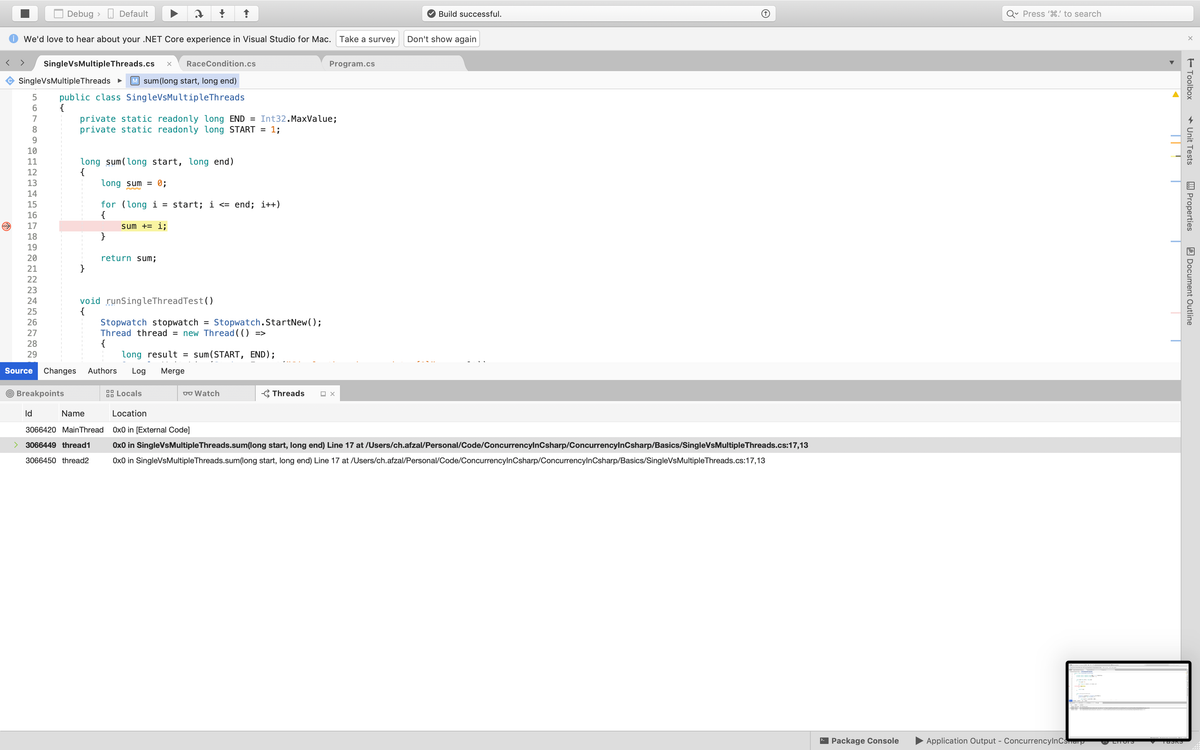
Screen Shot 2019-08-21 at 8.00.33 PM.png
1using System;
2using System.Threading;
3using System.Diagnostics;
4
5class Demonstration
6{
7    static void Main()
8    {
9        new SingleVsMultipleThreads().runTest();
10    }
11}
12
13public class SingleVsMultipleThreads
14{
15    private static readonly long END = Int32.MaxValue;
16    private static readonly long START = 1;
17
18
19    long sum(long start, long end)
20    {
21        long sum = 0;
22
23        for (long i = start; i <= end; i++)
24        {
25            sum += i;
26        }
27
28        return sum;
29    }
30
31
32    void runSingleThreadTest()
33    {
34        Stopwatch stopwatch = Stopwatch.StartNew();
35        Thread thread = new Thread(() =>
36        {
37            long result = sum(START, END);
38            Console.WriteLine(String.Format("单线程求和结果为 {0}", result));
39        });
40
41        thread.Start();
42        thread.Join();
43
44        stopwatch.Stop();
45        Console.WriteLine(String.Format("单线程耗时 {0} 毫秒完成", stopwatch.ElapsedMilliseconds));
46    }
47
48
49    void runMultiThreadTest()
50    {
51        Stopwatch stopwatch = Stopwatch.StartNew();
52        long result1 = 0;
53        long result2 = 0;
54
55        Thread thread1 = new Thread(() =>
56        {
57            result1 = sum(START, END / 2);
58        });
59
60        Thread thread2 = new Thread(() =>
61        {
62            result2 = sum(1 + (END / 2), END);
63        });
64
65        thread1.Start();
66        thread2.Start();
67        thread1.Join();
68        thread2.Join();
69
70        stopwatch.Stop();
71        Console.WriteLine(String.Format("多线程求和结果为 {0}", result1 + result2));
72        Console.WriteLine(String.Format("多线程耗时 {0} 毫秒完成", stopwatch.ElapsedMilliseconds));
73    }
74
75    public void runTest()
76    {
77        runSingleThreadTest();
78        runMultiThreadTest();
79    }
80}