


导入
Nmap 隐蔽扫描
了解Nmap隐蔽扫描是什么以及如何执行它。
Nmap SYN扫描
1nmap -sS scanme.nmap.org
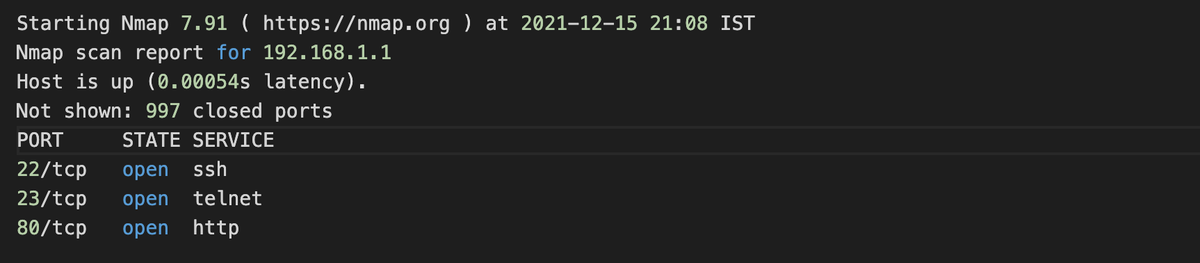
SYN扫描结果
Nmap范围SYN扫描
1nmap -sS 192.168.1.1-100
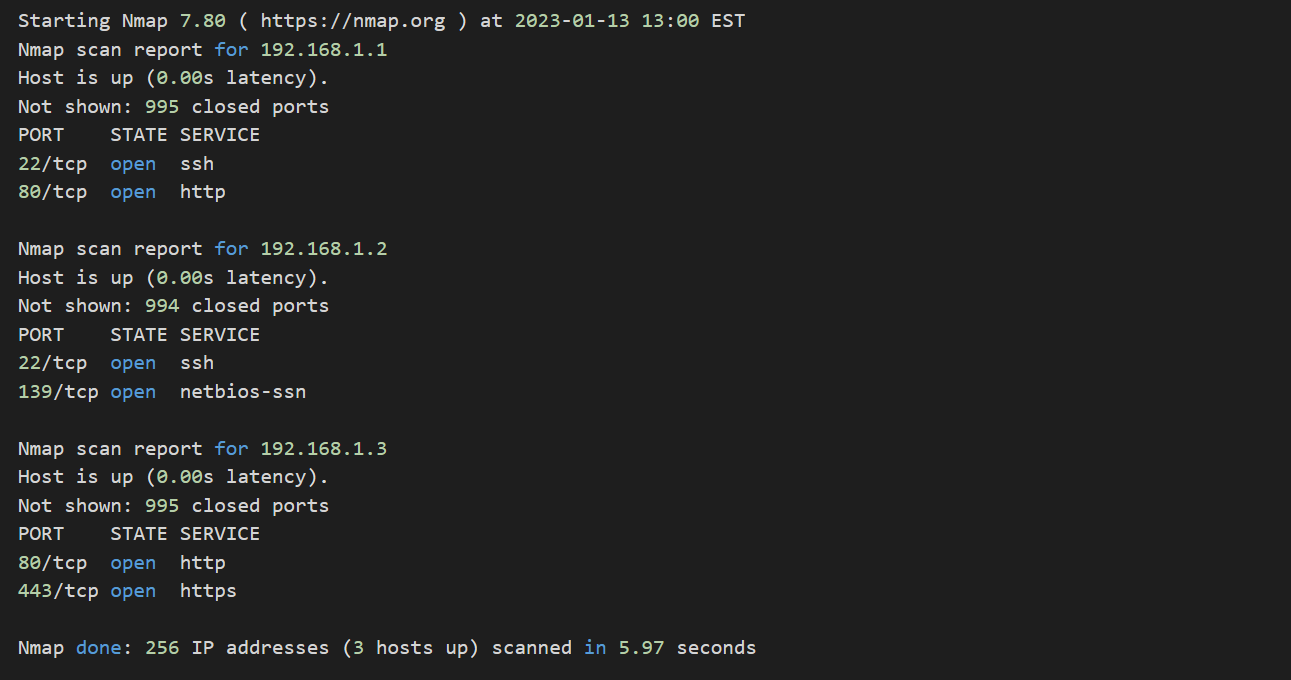
Nmap SYN范围扫描结果
Nmap子网SYN扫描
1nmap -sS 192.168.1.0/24
1Starting Nmap 7.80 ( https://nmap.org ) at 2023-01-13 13:00 EST
2Nmap scan report for 192.168.1.1
3Host is up (0.00s latency).
4Not shown: 995 closed ports
5PORT    STATE SERVICE
622/tcp  open  ssh
780/tcp  open  http
8
9Nmap scan report for 192.168.1.2
10Host is up (0.00s latency).
11Not shown: 994 closed ports
12PORT    STATE SERVICE
1322/tcp  open  ssh
14139/tcp open  netbios-ssn
15
16Nmap scan report for 192.168.1.3
17Host is up (0.00s latency).
18Not shown: 995 closed ports
19PORT    STATE SERVICE
2080/tcp  open  http
21443/tcp open  https
22
23Nmap scan report for 192.168.1.4
24Host is up (0.00s latency).
25Not shown: 995 closed ports
26PORT    STATE SERVICE
2721/tcp  open  ftp
28
29Nmap scan report for 192.168.1.5
30Host is up (0.00s latency).
31Not shown: 995 closed ports
32PORT    STATE SERVICE
3323/tcp  open  telnet
34
35Nmap scan report for 192.168.1.6
36Host is up (0.00s latency).
37All 1000 scanned ports on 192.168.1.6 are closed
38
39Nmap done: 256 IP addresses (6 hosts up) scanned in 5.97 seconds
Nmap主机列表SYN扫描
1nmap -sS -iL hostlist.txt
hostlist.txt文件示例
1192.168.1.1
2192.168.1.2
3192.168.1.3
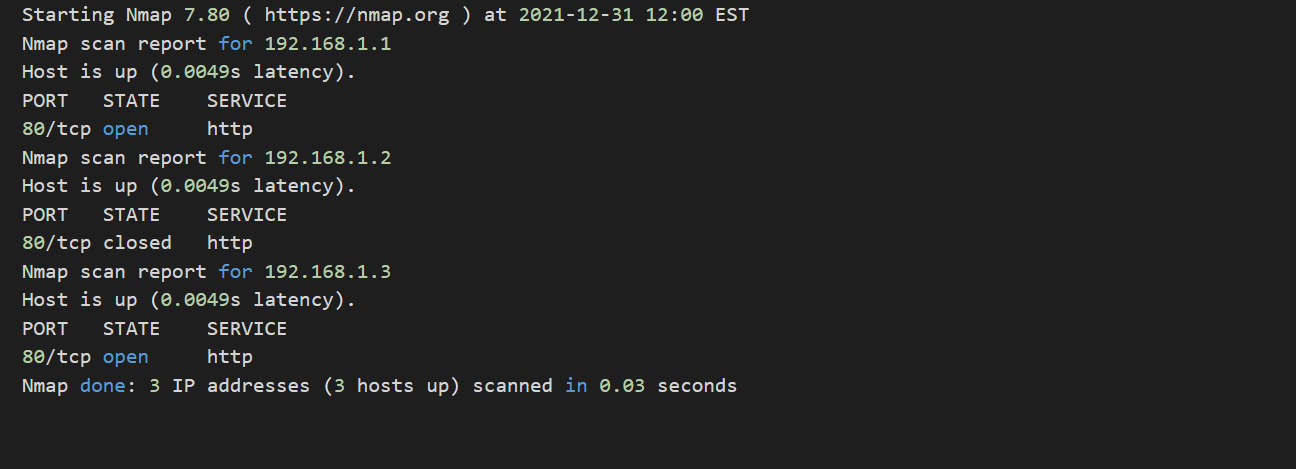
Nmap主机列表SYN扫描结果
Nmap单端口SYN扫描
1nmap -sS -p 80 192.168.1.1

Nmap单端口SYN扫描结果
代码示例
1docker inspect -f '{{range.NetworkSettings.Networks}}{{.IPAddress}}{{end}}' <容器名称>